Two separate photos become one dance video using a prepared routine. You do not need to upload a reference clip, write a prompt or edit a timeline.
Video format
23 seconds · 480p MP4 · 16:9
Music
The prepared music track is included in the MP4. Listen to the example with sound before you create.
Credits and delivery
Each video uses 100 credits. One-time packs start at US$9.90 for one video, with no automatic renewal. Credits are consumed when delivery succeeds. See NEON dance pricing
Private download
Generated videos stay private in your account. Download within 7 days; uploaded photos are retained for up to 24 hours.
Choose photos for the main dancer and partner
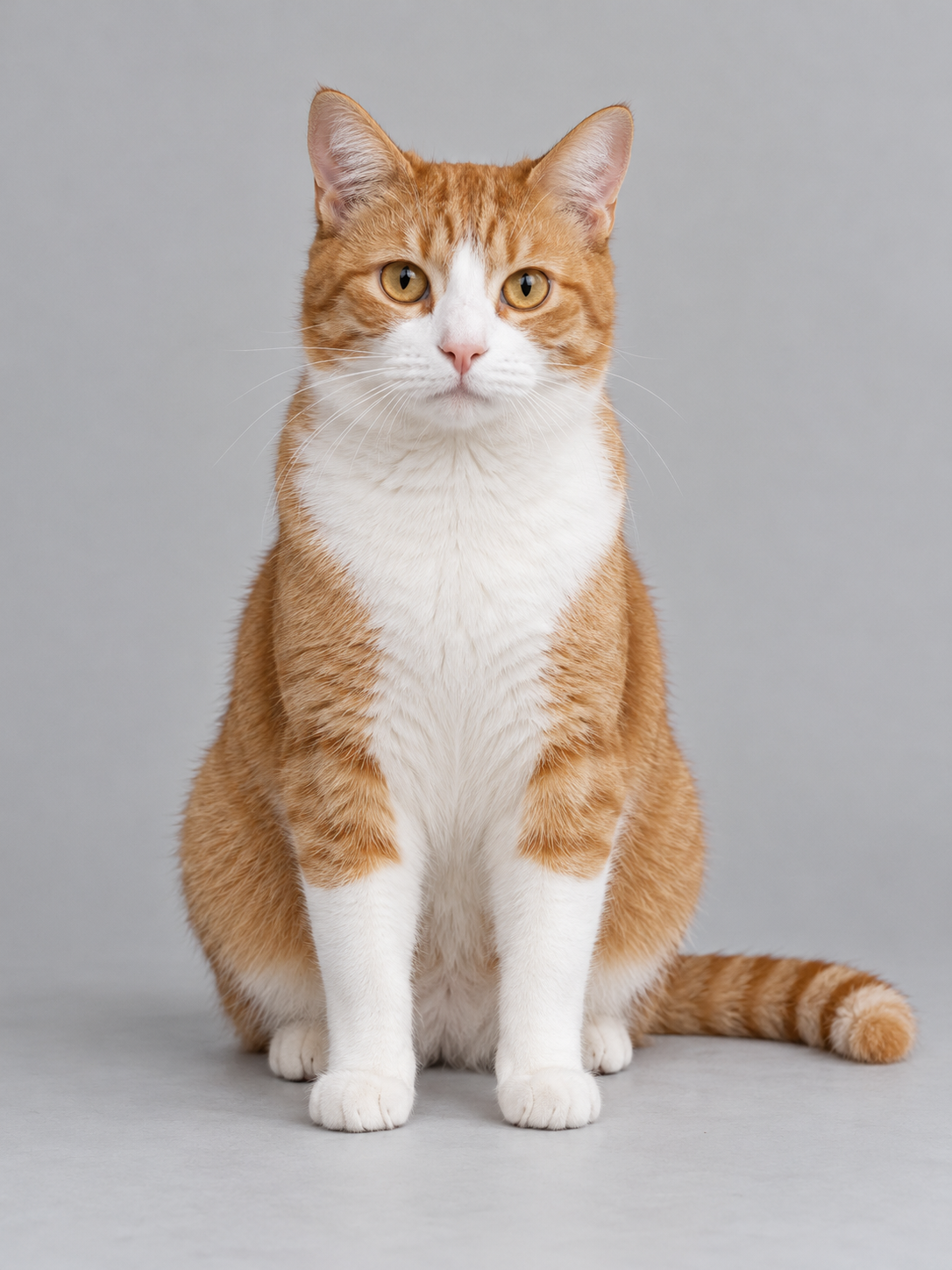
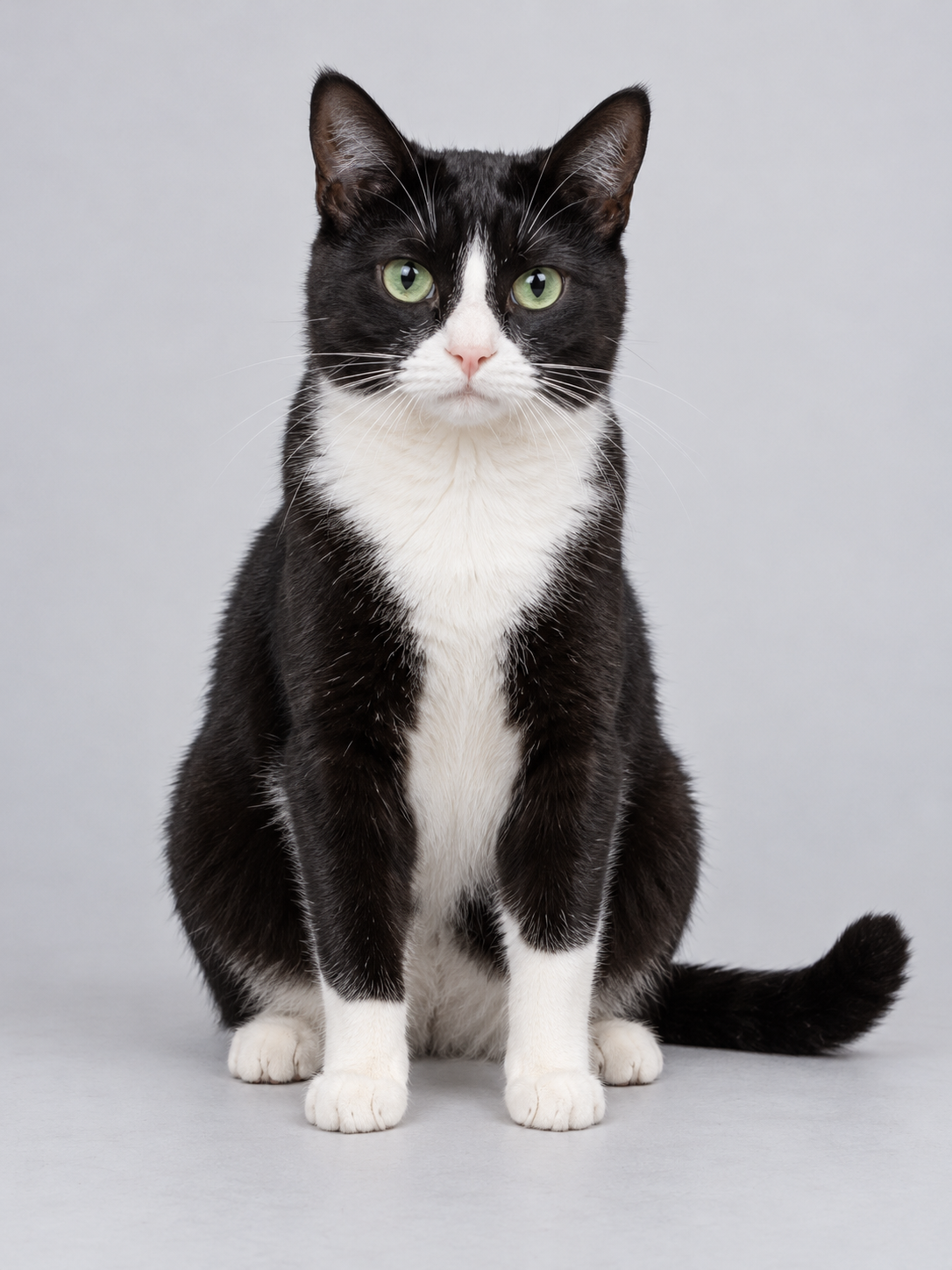
Use one adult or pet in each photo, with a clear face and as much of the body visible as possible. Avoid group photos, covered faces and heavy filters. The first slot is the main dancer; the second is the partner. Screen positions can change during the dance.
FROM PHOTOS TO A DUO
How to make a NEON AI dance from two photos
01
Choose your duo
Add two clear photos, one for each dancer. Choose friends, pets, or an adult and a pet.
02
Make it NEON
Follow the NEON dance with a ready-made routine. No prompts or video editing needed.
03
Watch, download, share
Keep your duo’s dance as a video and share it with the people who will love it.
BEFORE THE FIRST BEAT
NEON AI dance questions and photo tips
Photo tips, dance details, and answers before you start.
How do I make a NEON duo dance?+
Choose one photo for the main dancer and one for the partner, then select Generate NEON Dance. Each photo is assigned to a role in the prepared routine, even when the dancers change positions. Generated appearance and movement can vary. No prompt writing needed.
What kind of photos should I use?+
Use clear, well-lit photos with one adult or pet in each image. Keep the face visible and avoid heavy filters, crowded backgrounds and cropped heads.
Can I use people and pets together?+
Build your duo with two adults, two pets, or an adult and a pet. Use photos you own or have permission to use. Appearance and movement can vary with the input images.
How are my photos used?+
Selected photos are saved in your browser so you can return to your selection. Remove a photo or choose Clear photos to clear it. Photos submitted for generation are processed to create your video; see the Privacy policy for details.
Do I need editing experience?+
No. Choose the photos and let the prepared dance routine guide the video. You do not need to write a prompt or edit a timeline.
Is this an official A2O LITE product?+
NEON Dance AI is an independent project and is not affiliated with or endorsed by A2O LITE. Artist and song names identify the dance concept.
Does my NEON dance video include music?+
Yes. The downloaded MP4 includes the prepared music track, as heard in the example. You do not need to add music in a separate editor.
How long is the video, and what format do I get?+
Each dance is approximately 23 seconds in a landscape 16:9 frame. You receive a 480p MP4. Vertical output and other resolutions are not available.
Is NEON Dance AI free?+
Creating a video requires 100 credits. One-time packs start at US$9.90 for one video, with no automatic renewal. You can view the example and choose photos before buying credits.
What happens if generation fails?+
Credits are consumed when delivery succeeds. If a task fails, reserved credits are released. If the status is still being checked, keep the task ID and avoid submitting again; contact support if needed.
Can I create a dance on my phone?+
Yes. Use a current mobile browser to select both photos, sign in and create your video. No app installation is required.
 NEON Dance AI.